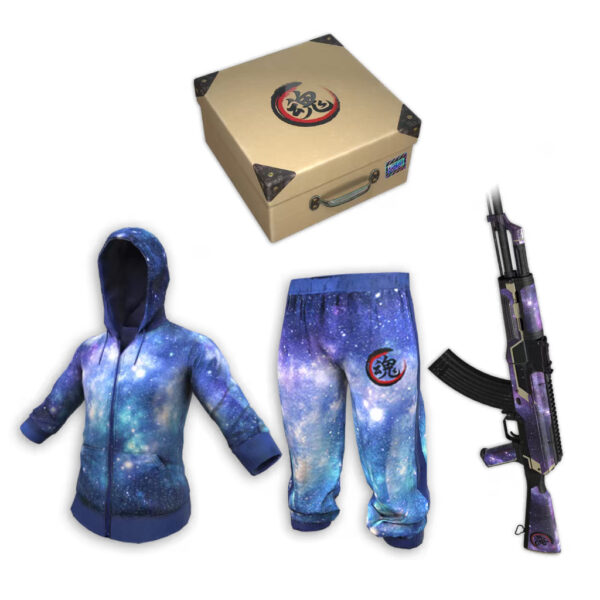
Costumes

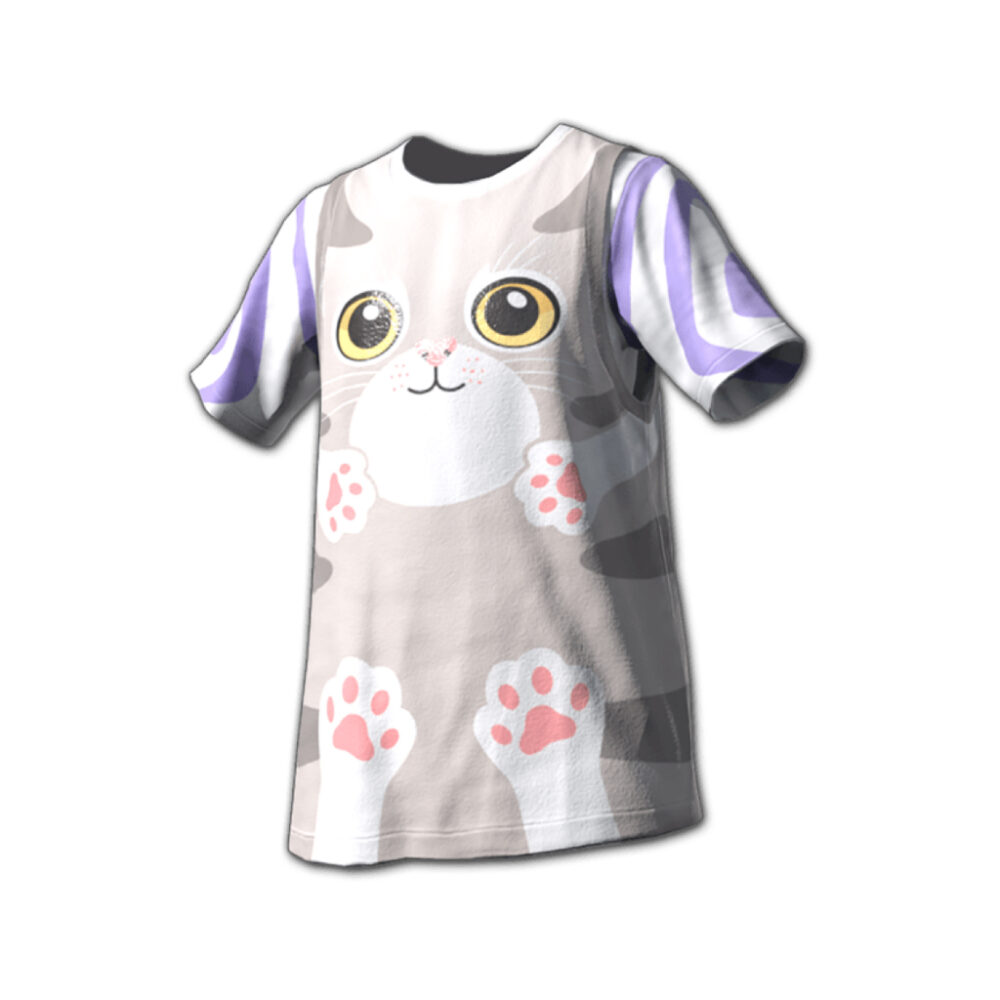
Meow T-Shirt
32 soldNot available right now
This skin can’t be bought at the moment. Ask us on Discord, or have a look at similar skins.
How to redeem
Three steps in the PUBG lobby.- 1
Open the store
In the PUBG lobby on Steam, go to Store › Item.
- 2
Add your code
Choose Add Bonus/Gift Code, then paste your code with Ctrl+V to avoid typing mistakes.
- 3
Confirm, and it is yours
The item goes to your account. Cannot see it in your Warehouse? Restart the lobby.

Please redeem within 24 hours of delivery.
Details
- Platform
- PUBG on Steam (PC)
- Region
- Global
- Delivery
- Code by email, within minutes to a few hours
- Find it later
- My Account, Orders
- Redeem in
- Store › Item › Add Bonus/Gift Code
Before you buy
- Codes are for PUBG on Steam (PC). They do not work on PUBG Mobile or consoles.
- Check the version and what is included. Once redeemed, the item stays on your game account.
- Redeem within 24 hours of delivery. Each code works once, on one account.
- For buyers aged 18 and over.
- Code not working? Message us on Discord or through Contact us with your order number.